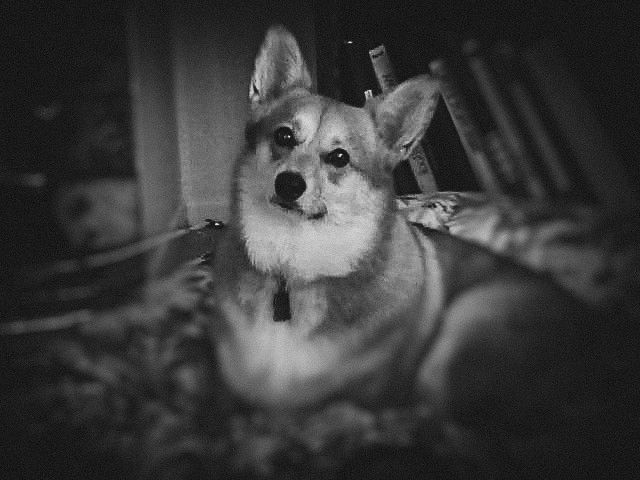
Challenge #1: Retouching - Create a dramatic animal portrait by adding highlights and shadows with the dodge, burn and smudge tools.
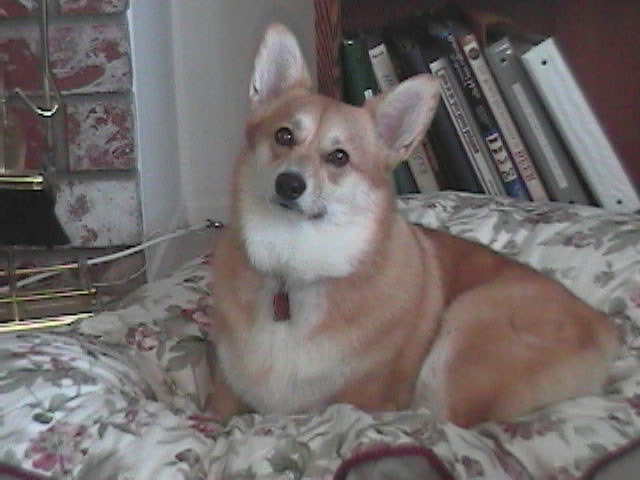
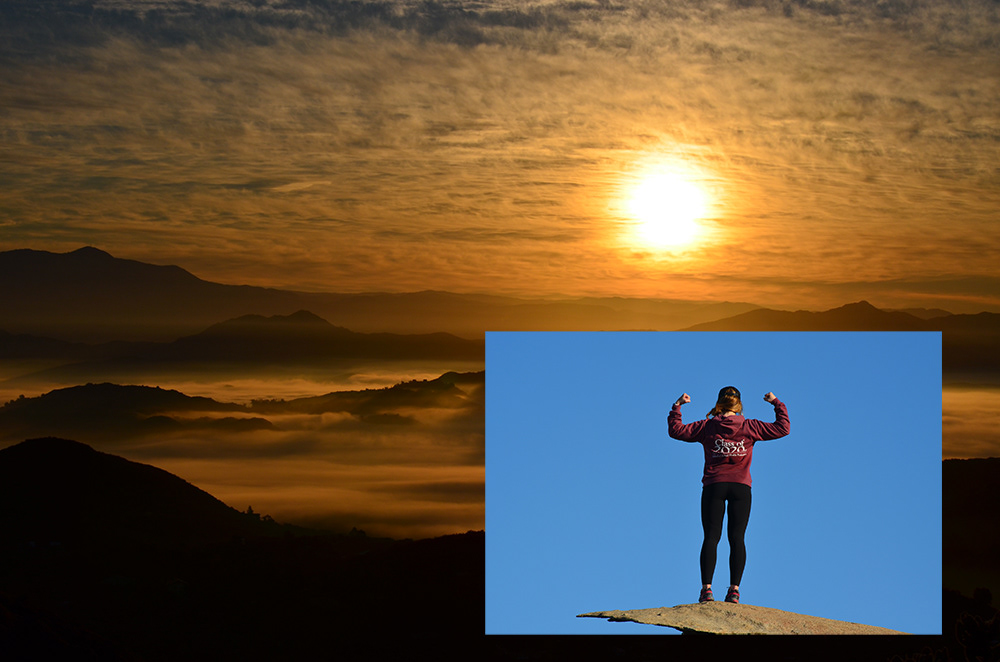
Challenge #2: Curves Adjustment Layers - Seamlessly combine the foreground of one image with the background of another. Use a Curves Adjustment Layer to match colors.
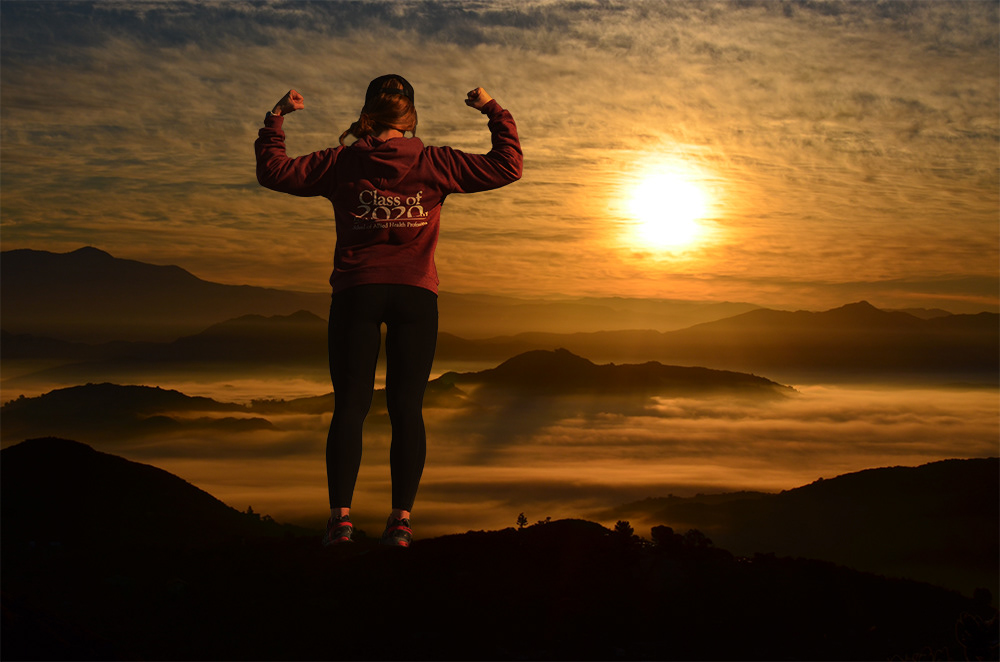
Challenge#3: Layer Styles - Design a dynamic sports poster using Layer Styles, Adjustment Layers and Filters.
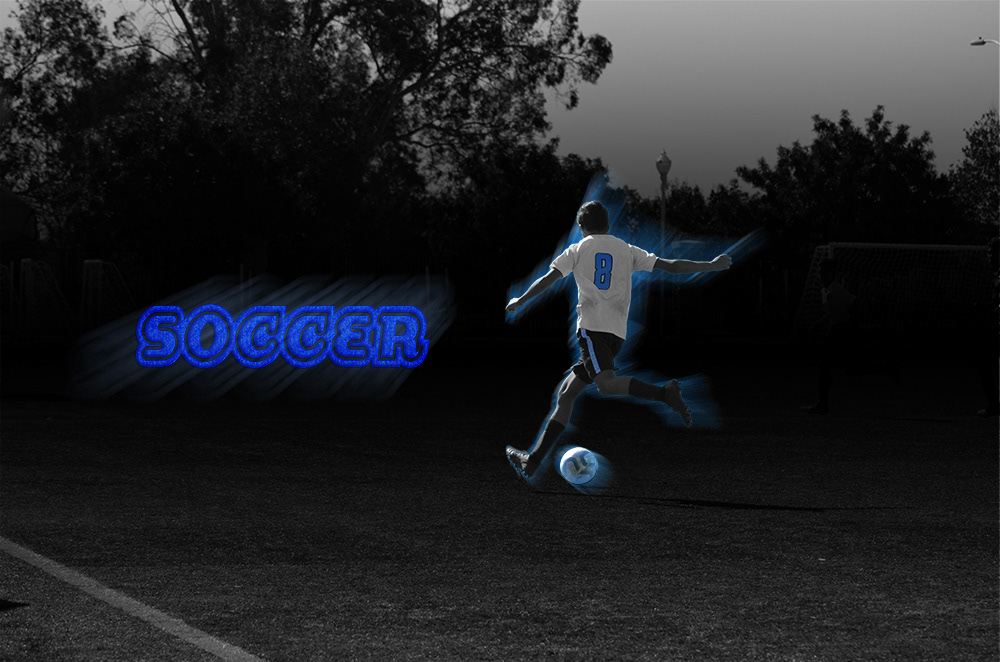
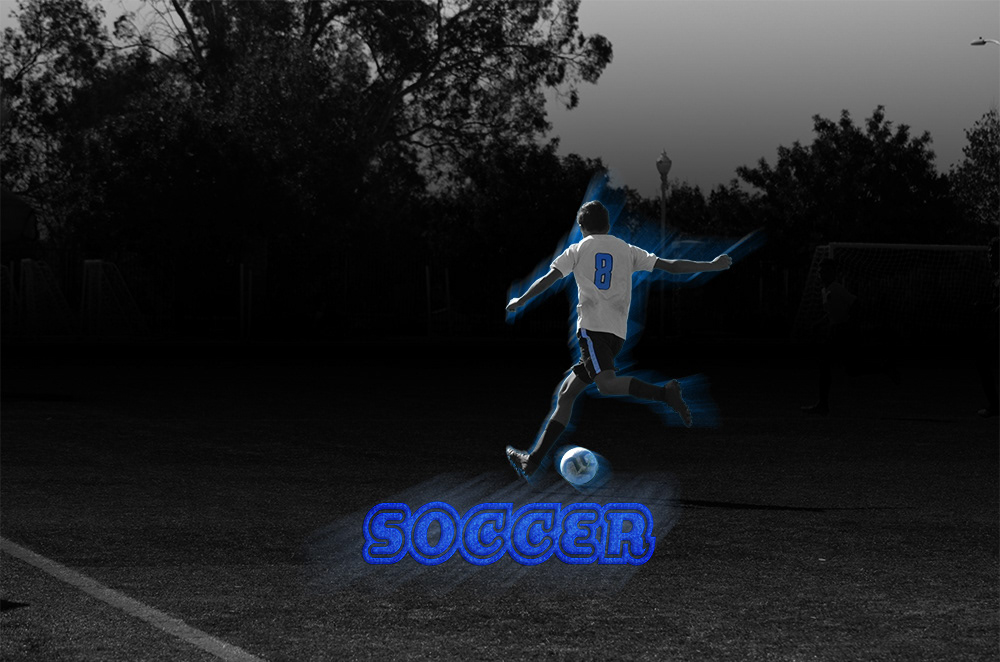
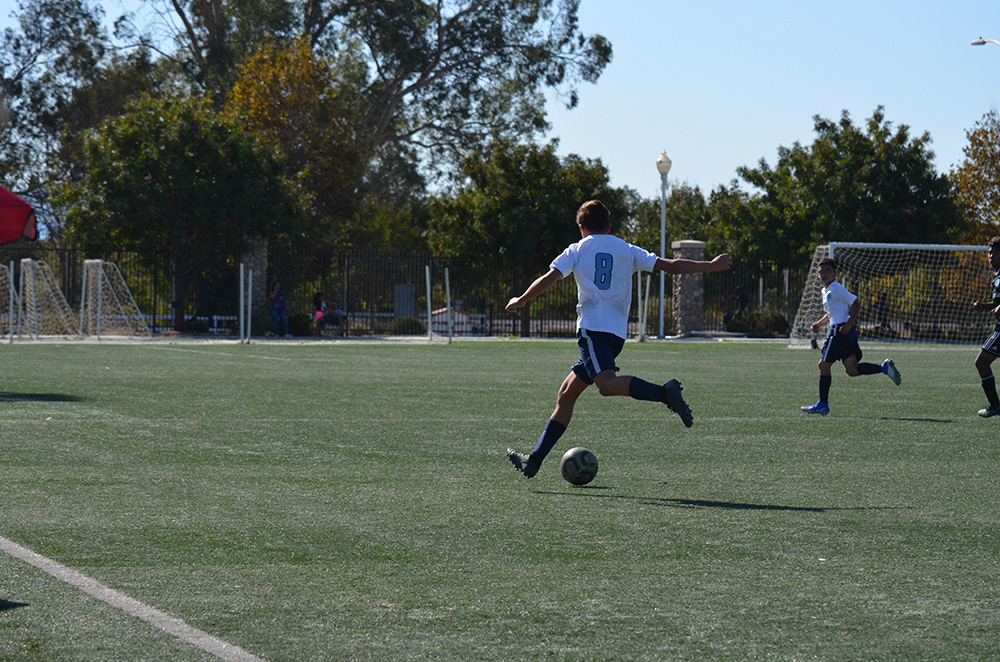
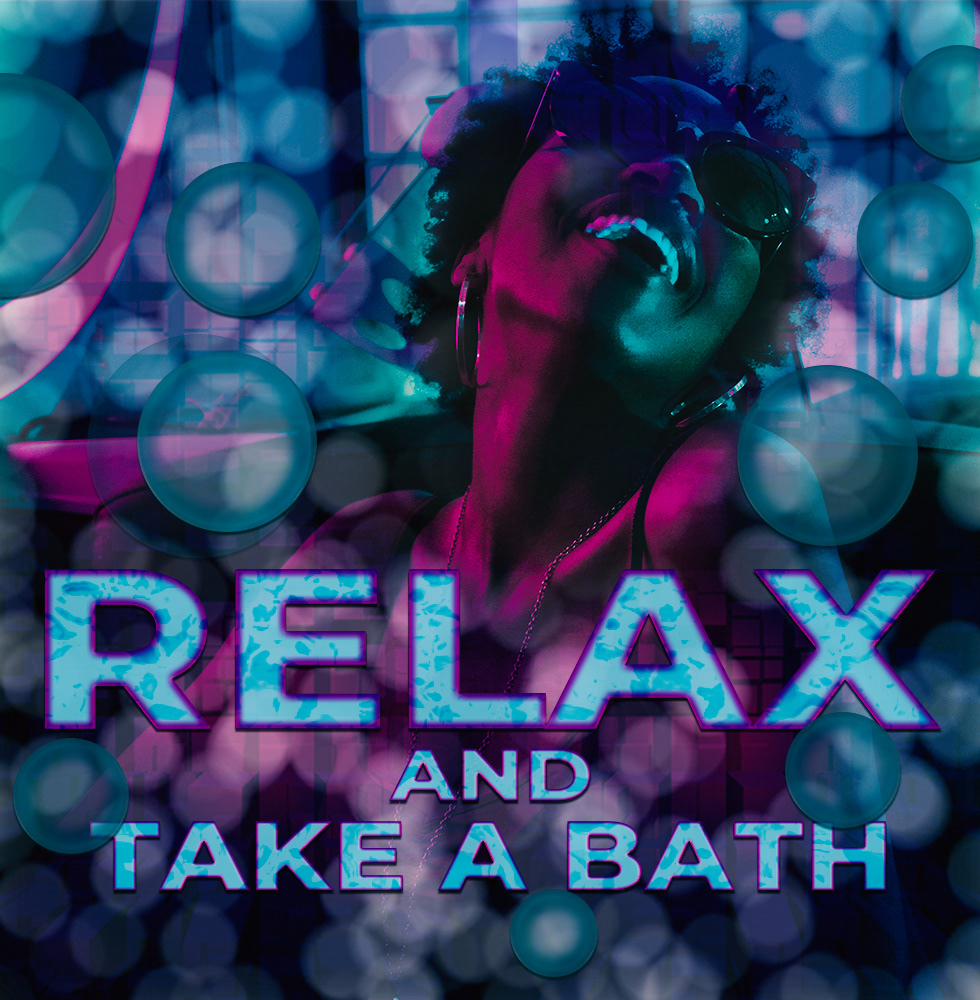
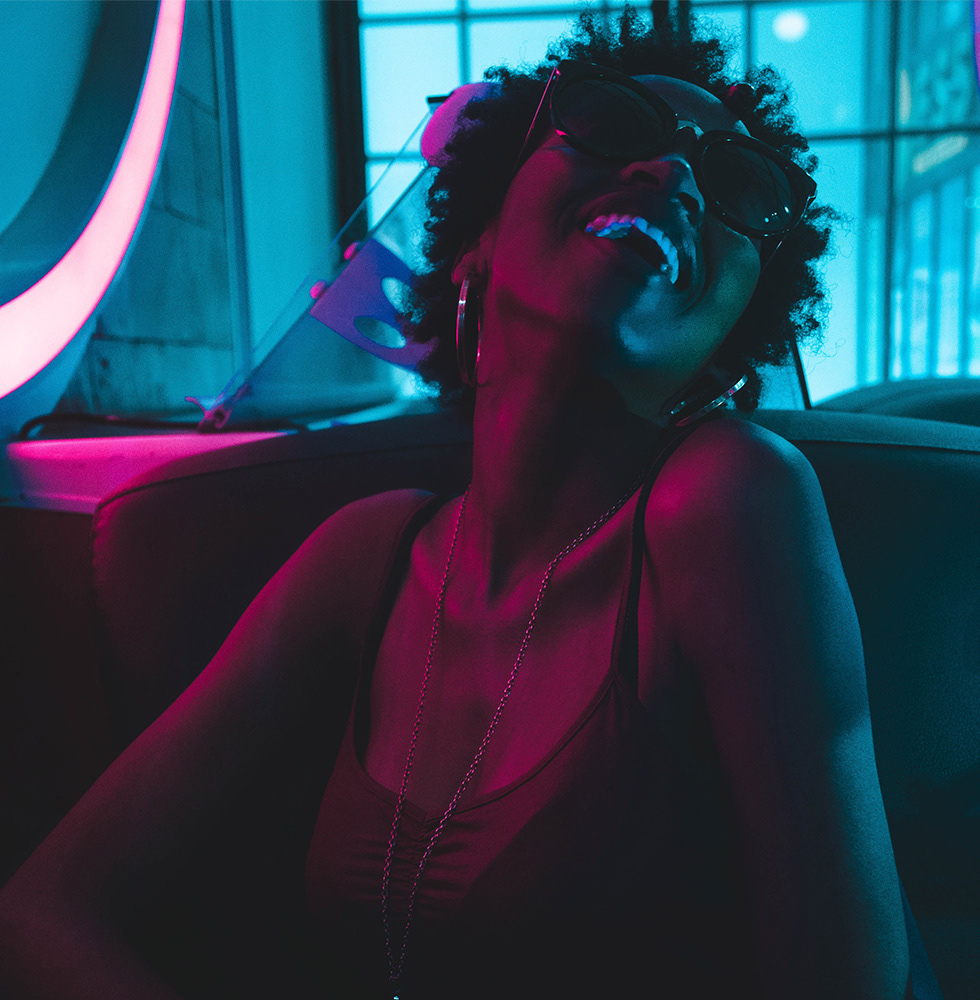
Challenge#4: Text Layers - Design a dance club flyer using Text Layers. Use Layer Styles and Filters to add unique effects to your design.
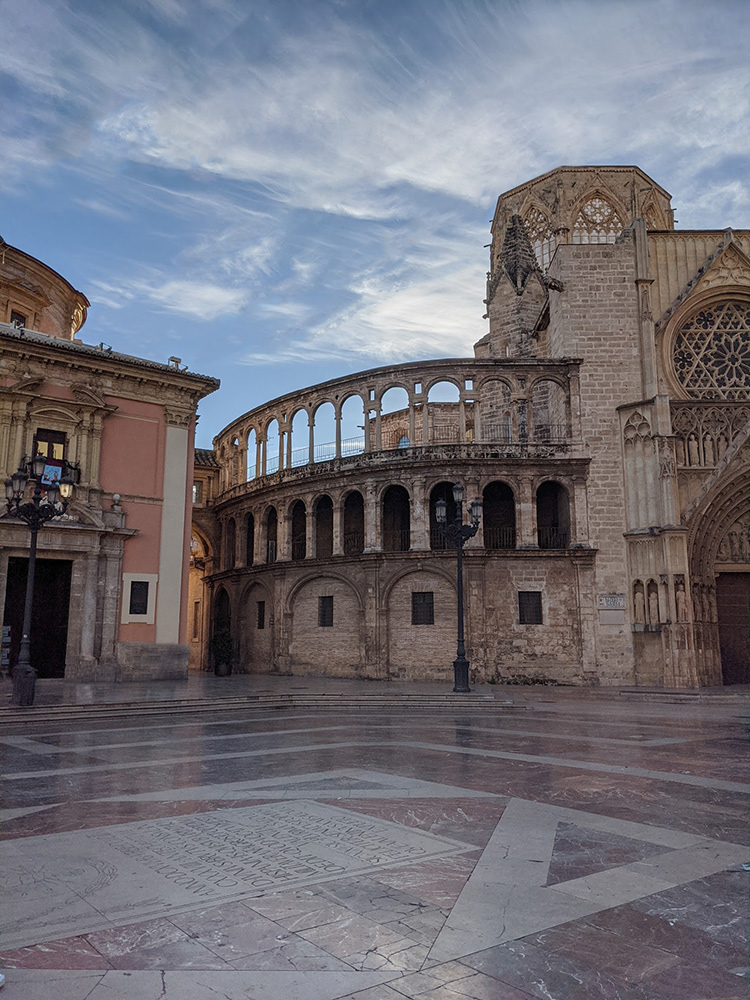
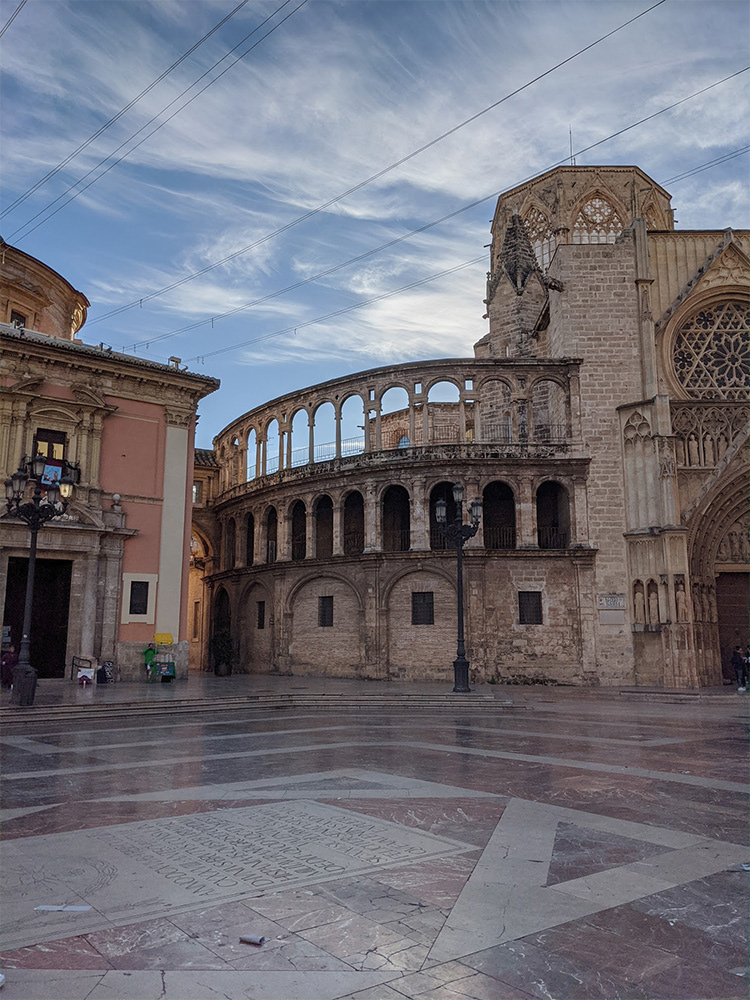
Content-Aware Fill - Make your photos look more professional by removing unwanted objects with the Content-Aware Fill Workspace, Patch Tool and Clone Stamp Tools.
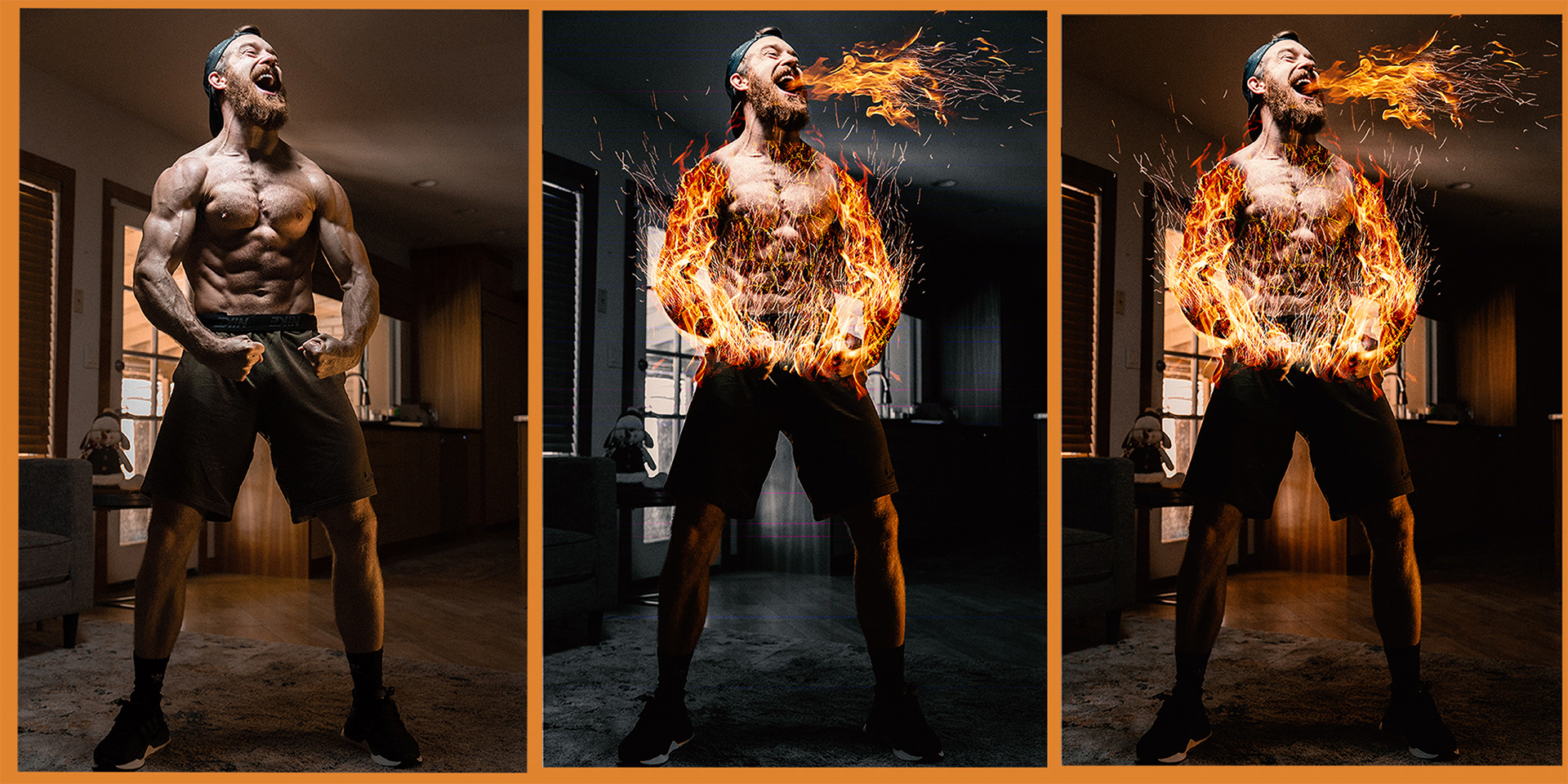
Challenge #7: Compositing - Create a superhero inspired photo composite using Blending Modes and Adjustment Layers.
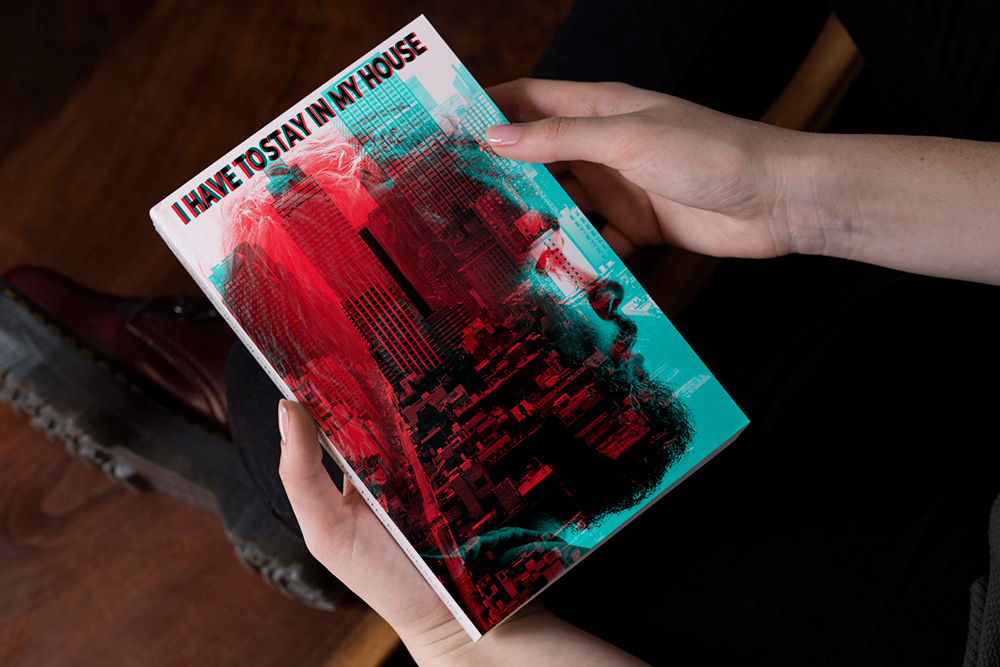
Challenge #8: Double Exposure - Design a book cover! Add two images to your cover and then use color channels to create a double exposure effect.
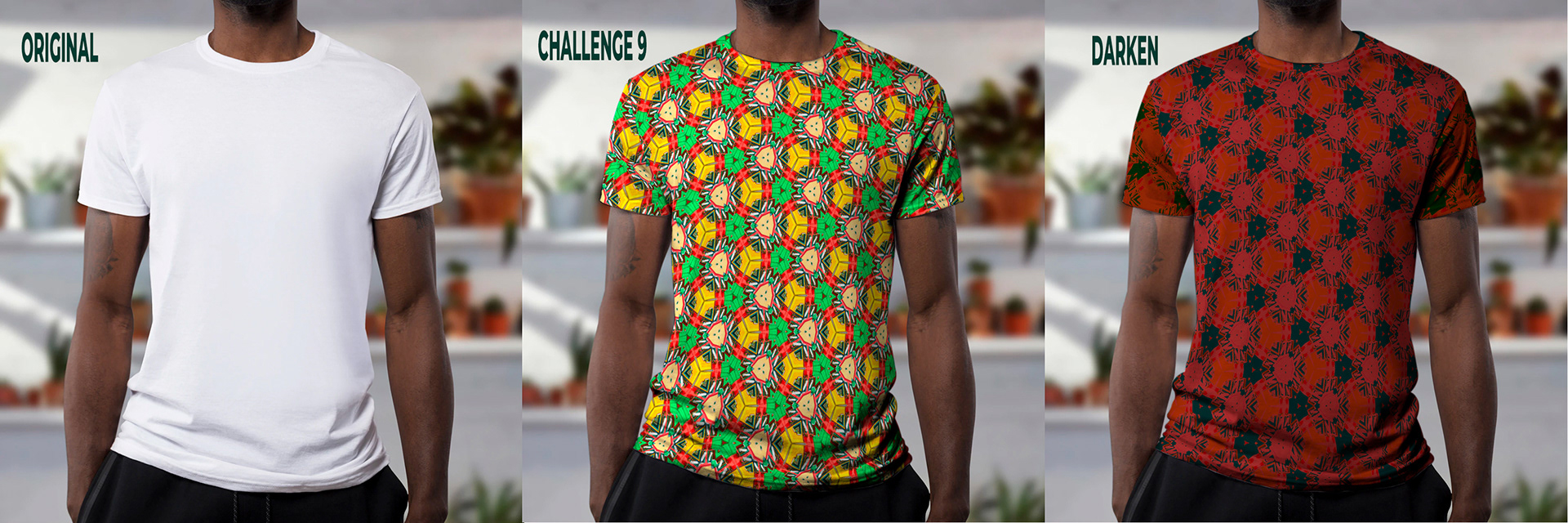
Challenge #9: Patterns - Use the new Capture feature inside Photoshop Libraries to create a pattern. Apply your pattern to any article of clothing using distortions, liquify, and Blending Modes.